- Published on
JPEG XL (.jxl) in Chrome 155+ — Empirical Compression Benchmark Across 12 JPEG Profiles
- Authors
- Name
- Hoang Nguyen
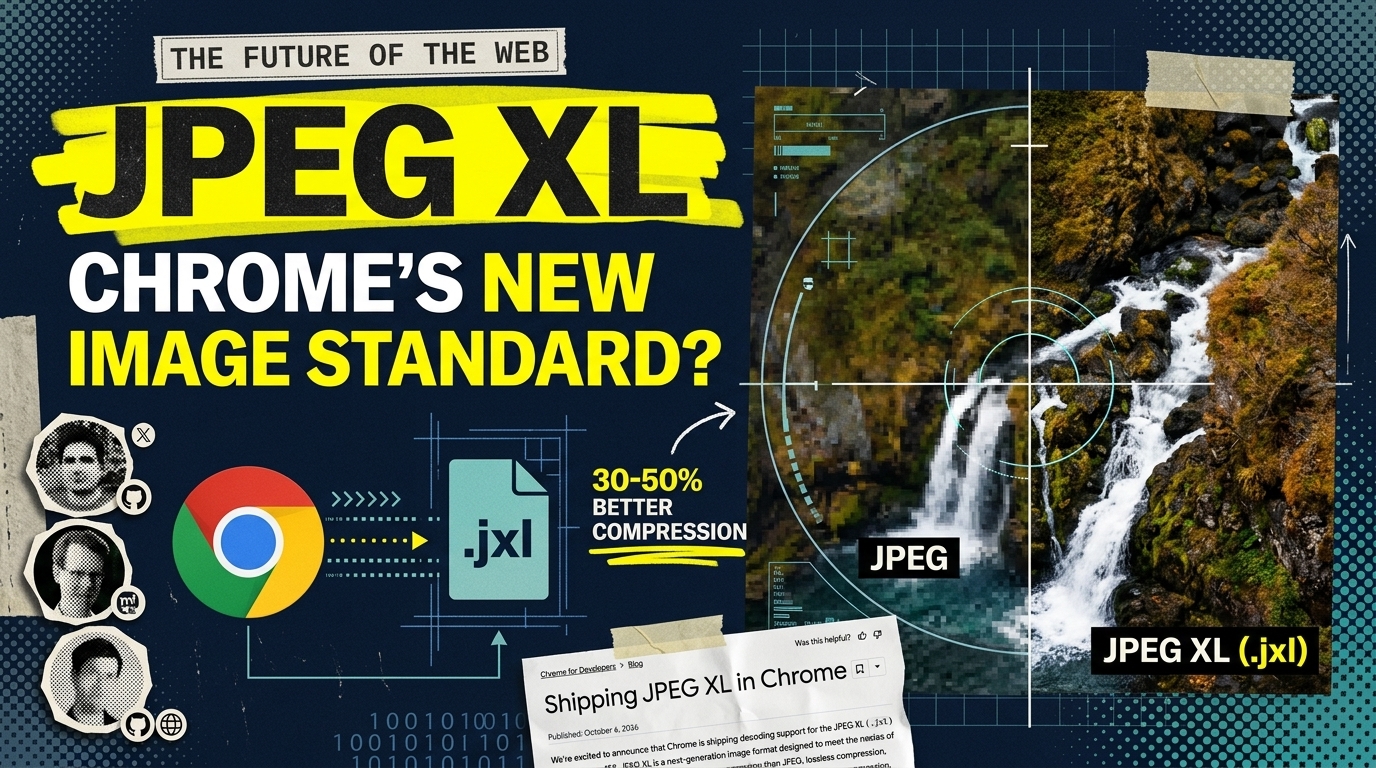
For over 30 years, JPEG (.jpg) has been the default image format of the internet. When JPEG XL (.jxl) first emerged, it promised something almost too good to be true for infrastructure and storage engineers: recompressing existing .jpg files by 20–30% with zero quality loss and restoring the exact original file byte-for-byte whenever needed.
In late 2022 (Chrome 110), Google dropped experimental C++ libjxl support due to memory-safety concerns, stalling web adoption. In October 2026 (Chrome 155+), Google officially reversed course — shipping native .jxl decoding enabled by default, powered by jxl-rs, a memory-safe pure Rust implementation with custom SIMD acceleration.
To evaluate how JPEG XL actually performs in real production workloads, we built a 12-category JPEG benchmark corpus (5.62 MB total) and tested it across Lossless DCT Transcoding, Lossy JXL (Q80), WebP (Q80), and RGB Pixel Lossless.
Executive Summary: JPEG XL in 5W1H
| Dimension | Breakdown |
|---|---|
| WHAT (What is it?) | JPEG XL (.jxl) — a next-generation, royalty-free image codec designed to replace legacy JPEG with superior Lossy compression, true Lossless, HDR, animation, and bit-exact Lossless JPEG Transcoding. |
| WHY (Why does it matter?) | Shrinks existing .jpg archives by an average of 32.93% with zero quality loss (100% SHA-256 byte-exact reversible back to .jpg), or cuts 46.93% (up to 65.1%) in Lossy Q80 mode with higher PSNR than WebP. |
| WHO (Who should care?) | SRE / DevOps / Cloud Architects looking to cut AWS S3, Google Cloud Storage, and backup bills immediately; and Frontend / Web Engineers optimizing Core Web Vitals (LCP). |
| WHERE (Where does it run?) | Across Cloud Object Storage (S3/GCS/NAS) and modern browsers: Apple Safari (iOS/macOS) and Google Chrome 155+ (via the Rust jxl-rs decoder). |
| WHEN (When to adopt?) | Immediately for Cloud Storage and archival pipelines. For public web delivery, pair with a smart CDN (CloudFront / Cloudflare) using Accept: image/jxl content negotiation. |
| HOW (How to implement?) | Via libjxl CLI (cjxl / djxl) or Python pillow-jxl-plugin — while carefully controlling the lossless_jpeg flag to avoid a +201% (3x) pixel-bloat trap. |
What: The 3 Core Capabilities of JPEG XL
1. Lossless JPEG Transcoding (Bit-Exact Reversibility)
This is the killer feature for SREs and storage engineers. Traditional image conversion decodes a .jpg into raw RGB pixels and re-encodes them into a new format — triggering generation loss (additional compression artifacts) and permanently discarding the original bitstream.
JPEG XL can take an existing .jpg and losslessly recompress its 8x8 DCT coefficients directly without ever decoding to pixels. By replacing legacy 1990s Huffman tables with modern Asymmetric Numeral Systems (ANS) entropy coding and context modeling:
- File size drops by 14.6% to 46.6% (averaging 32.93% in our benchmark)
- Zero visual degradation — not a single DCT coefficient is altered
- 100% Byte-for-Byte Reversible — running
djxl image.jxl restored.jpgreproduces the exact original.jpgfile with an identical SHA-256 checksum
2. Next-Gen Lossy Compression (VarDCT + Adaptive Quantization)
When encoding from scratch or re-encoding with lossy compression (quality=80), JPEG XL uses variable-size DCT blocks (up to 256x256), a perceptual color space (XYB), adaptive quantization, and dedicated primitives for sharp edges and text (patches and splines). It consistently achieves 1.0 dB to 3.1 dB higher PSNR than WebP at smaller or comparable file sizes, without suffering from WebP's mandatory 8-bit 4:2:0 chroma subsampling blur.
3. Memory-Safe Browser Decoding (jxl-rs)
With Safari (macOS/iOS) and Chrome 155+ (desktop/Android) both supporting native .jxl decoding, the browser compatibility barrier that held JPEG XL back for three years is rapidly disappearing.
Why: Empirical Benchmark Across 12 Real-World JPEG Profiles
Not all JPEGs are created equal. A studio camera original with 4:4:4 chroma behaves completely differently from a progressive MozJPEG web asset or a UI screenshot with sharp text.
We assembled 12 distinct JPEG categories totaling 5.62 MB (5,897,387 bytes) and measured four compression modes:
- JXL Lossless Transcode (
cjxl --lossless_jpeg=1 -e 7) +djxlSHA-256 verification - JXL Lossy Q80 (
quality=80, lossless_jpeg=False) - WebP Lossy Q80 (
quality=80, method=4) - JXL Pixel Lossless Trap (
lossless=True, lossless_jpeg=Falseon decoded RGB pixels)
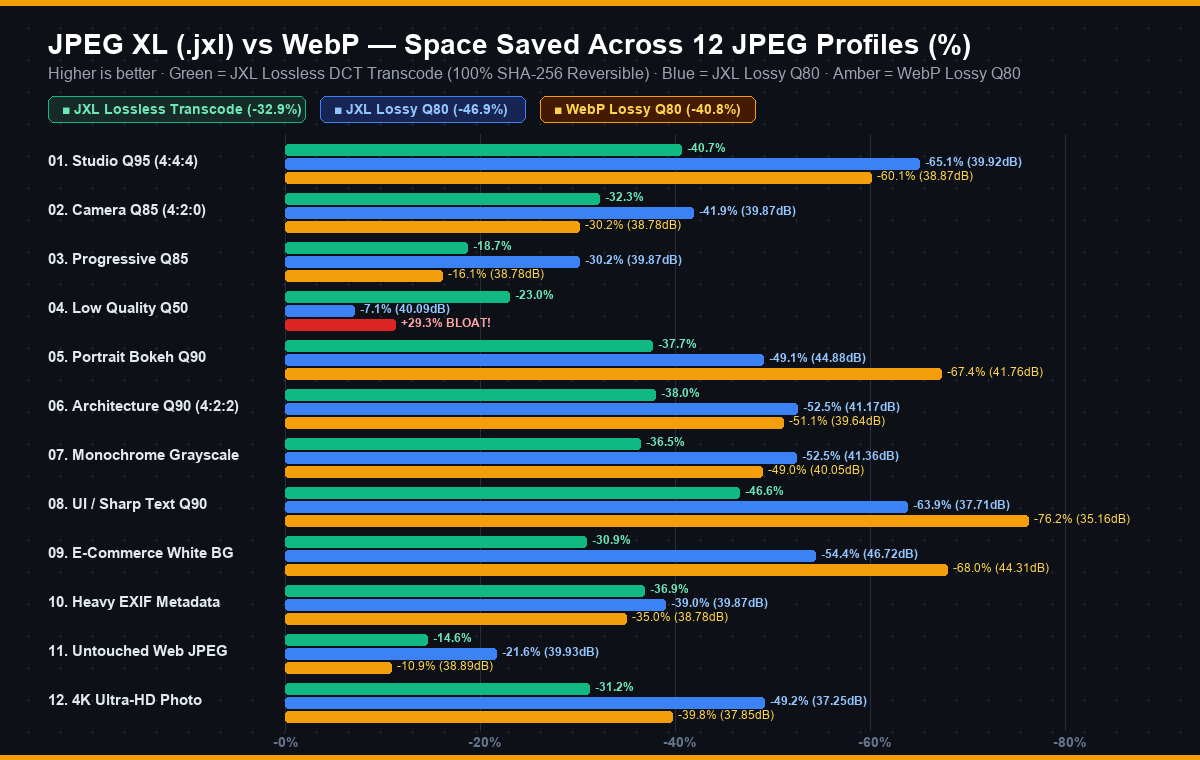
Complete Benchmark Summary Table
| # | JPEG Test Profile | Original .jpgBaseline (100%) | JXL Lossless Transcode (100% SHA-256 Exact) | JXL Lossy Q80 (PSNR) | WebP Lossy Q80 (PSNR) | Pixel Lossless Trap (Decoded RGB) |
|---|---|---|---|---|---|---|
| 01 | Studio Q95 Baseline · 4:4:4 · 1920x1280 |  664.1 KB 664.1 KB100% Original |  394.1 KB 394.1 KB-40.66% ✅ | 231.9 KB (-65.07%) 39.9dB | 264.7 KB (-60.14%) 38.9dB | 1,201.8 KB (+81% ❌) |
| 02 | Camera Q85 Baseline · 4:2:0 · 1920x1280 | 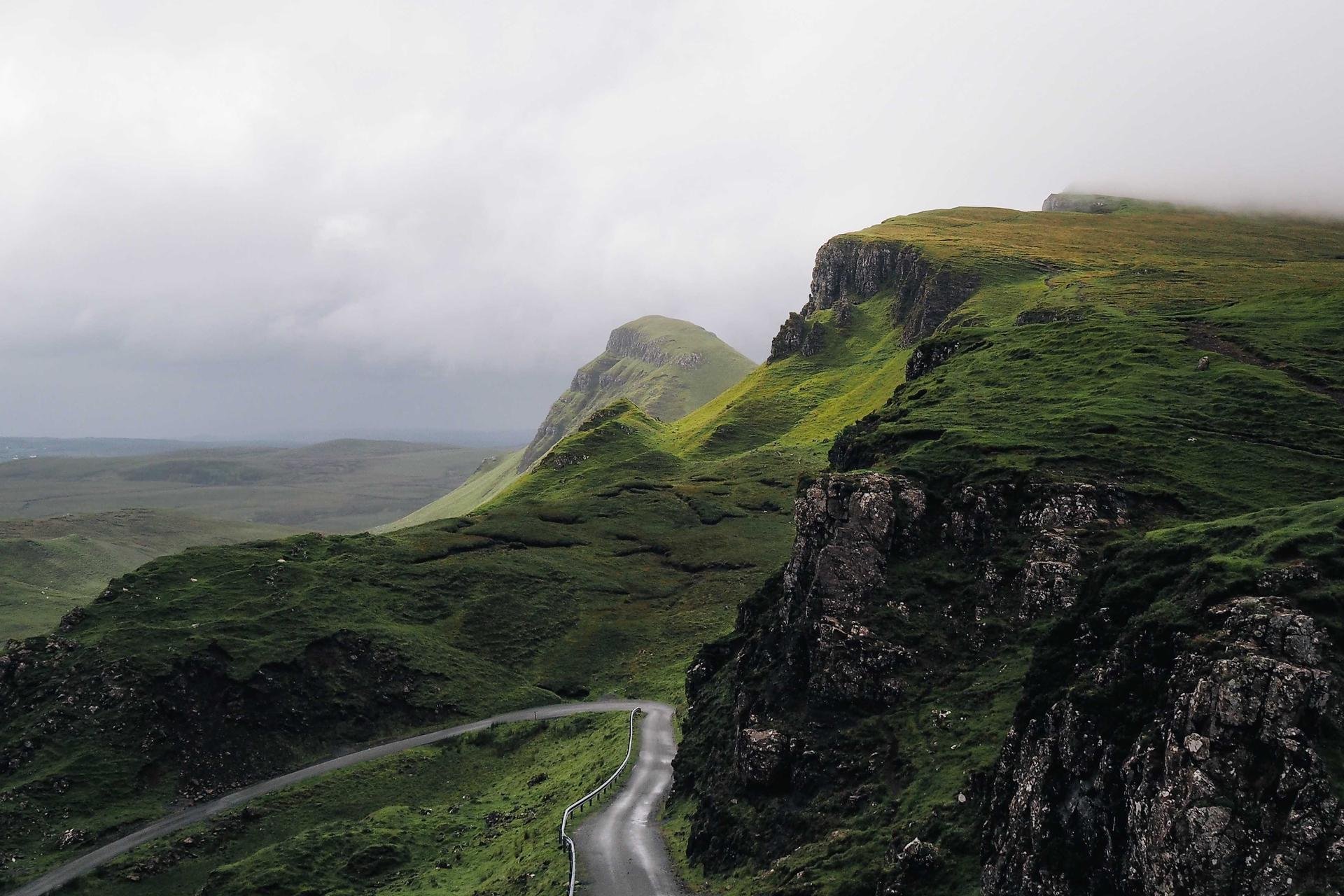 400.6 KB 400.6 KB100% Original |  271.2 KB 271.2 KB-32.30% ✅ | 232.9 KB (-41.88%) 39.9dB | 279.6 KB (-30.21%) 38.8dB | 1,278.0 KB (+219% ❌) |
| 03 | Progressive Q85 SOF2 · 4:2:0 · 1920x1280 | 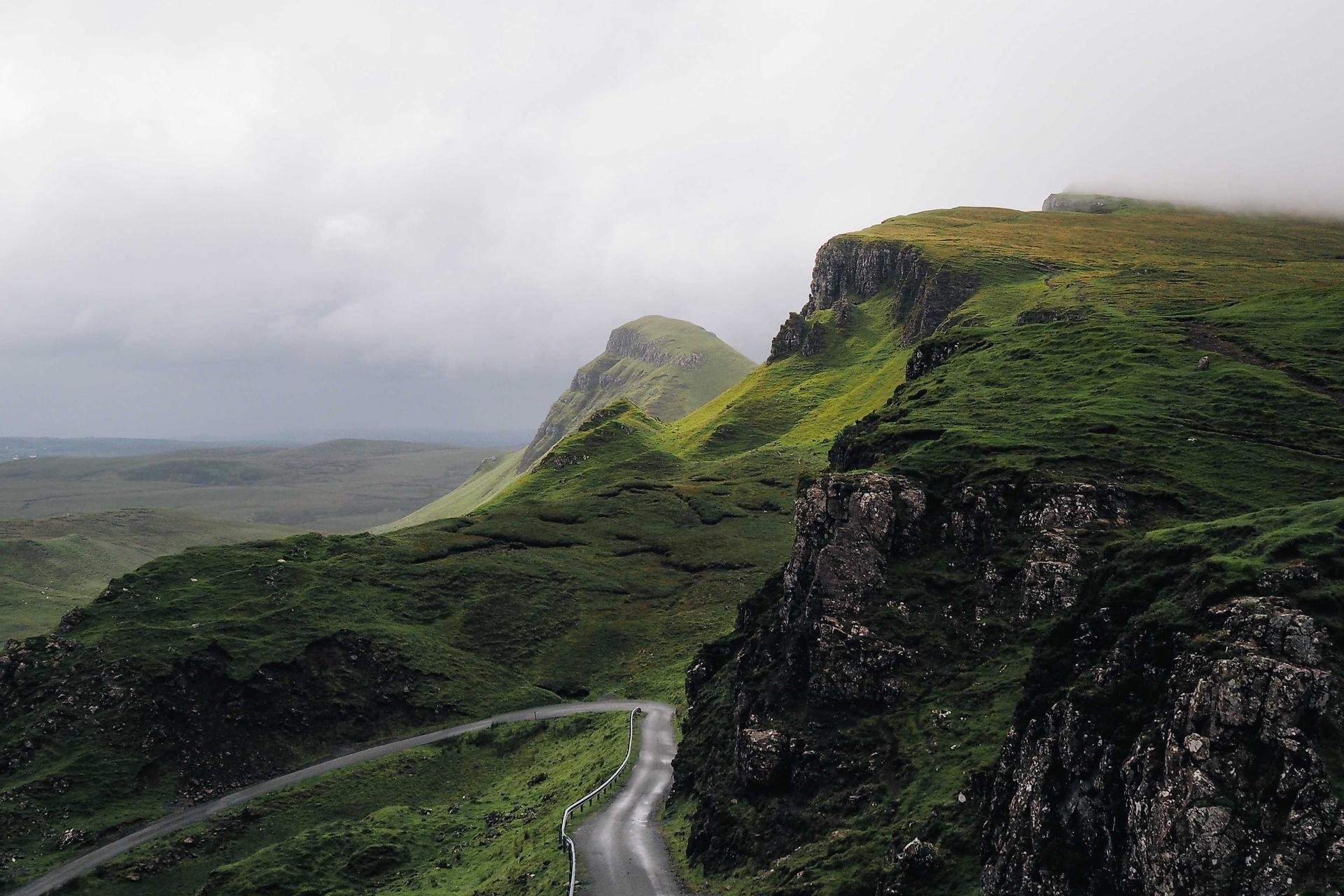 333.4 KB 333.4 KB100% Original |  271.2 KB 271.2 KB-18.67% ✅ | 232.9 KB (-30.16%) 39.9dB | 279.6 KB (-16.14%) 38.8dB | 1,278.0 KB (+283% ❌) |
| 04 | Low Quality Q50 8x8 Blocks · 4:2:0 · 1920x1280 | 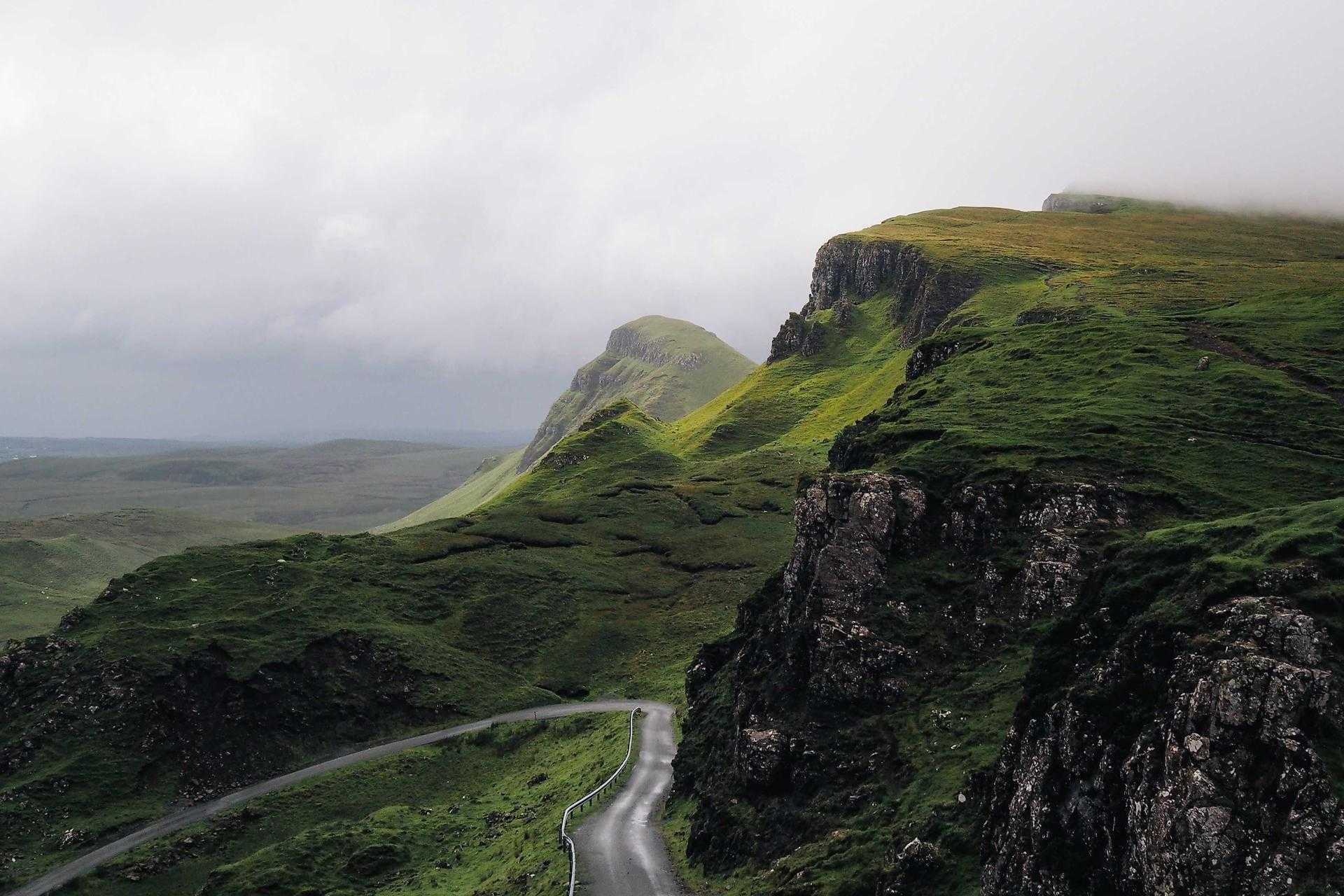 248.8 KB 248.8 KB100% Original |  191.6 KB 191.6 KB-23.01% ✅ | 231.1 KB (-7.13%) 40.1dB | 321.7 KB (+29.29% bloat ❌) | 1,342.8 KB (+440% ❌) |
| 05 | Portrait Bokeh Q90 Gradients · 4:2:0 · 1500x1500 | 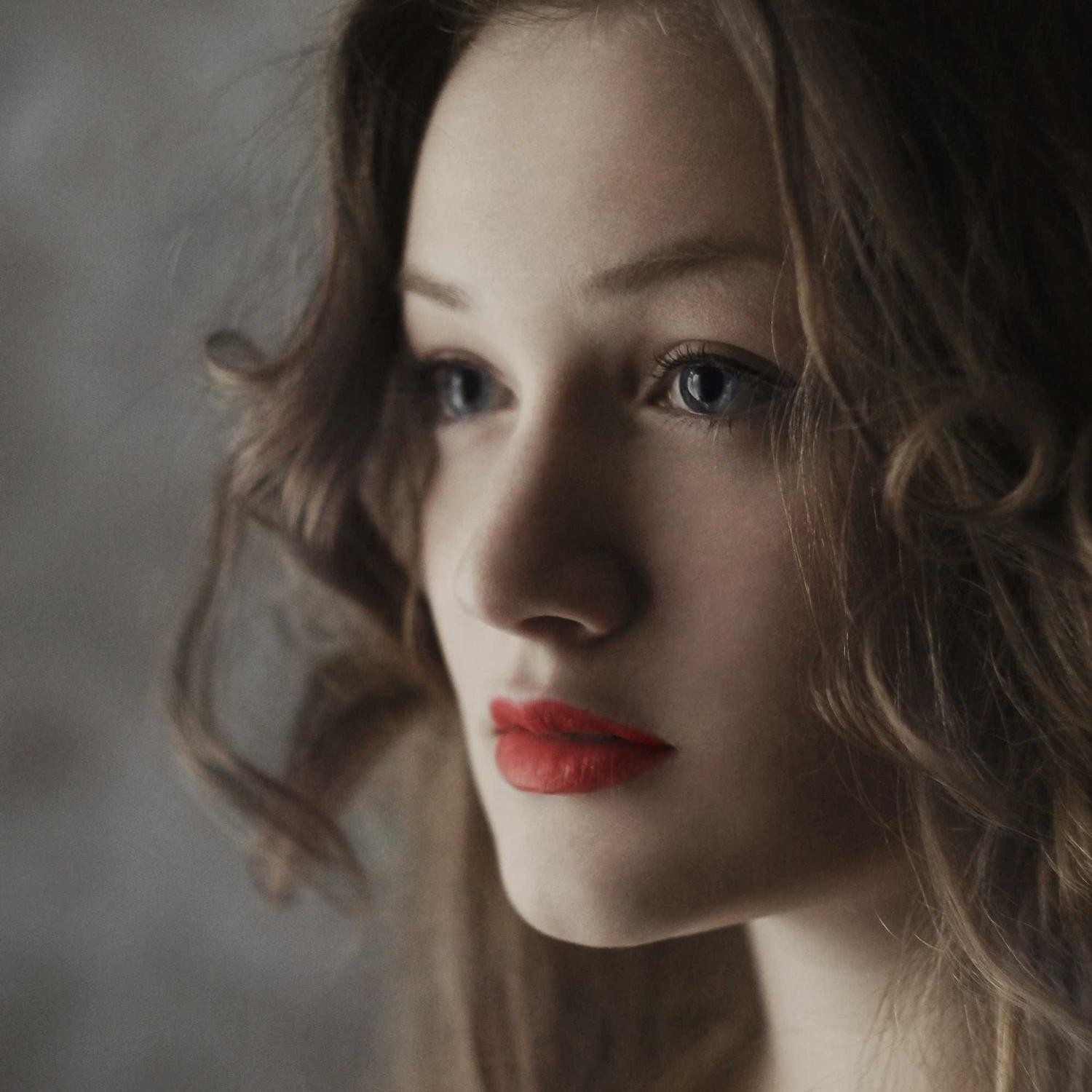 229.1 KB 229.1 KB100% Original |  142.7 KB 142.7 KB-37.72% ✅ | 116.6 KB (-49.12%) 44.9dB | 74.8 KB (-67.37%) 41.8dB | 801.7 KB (+250% ❌) |
| 06 | Architecture Q90 High-Freq · 4:2:2 · 1920x1280 | 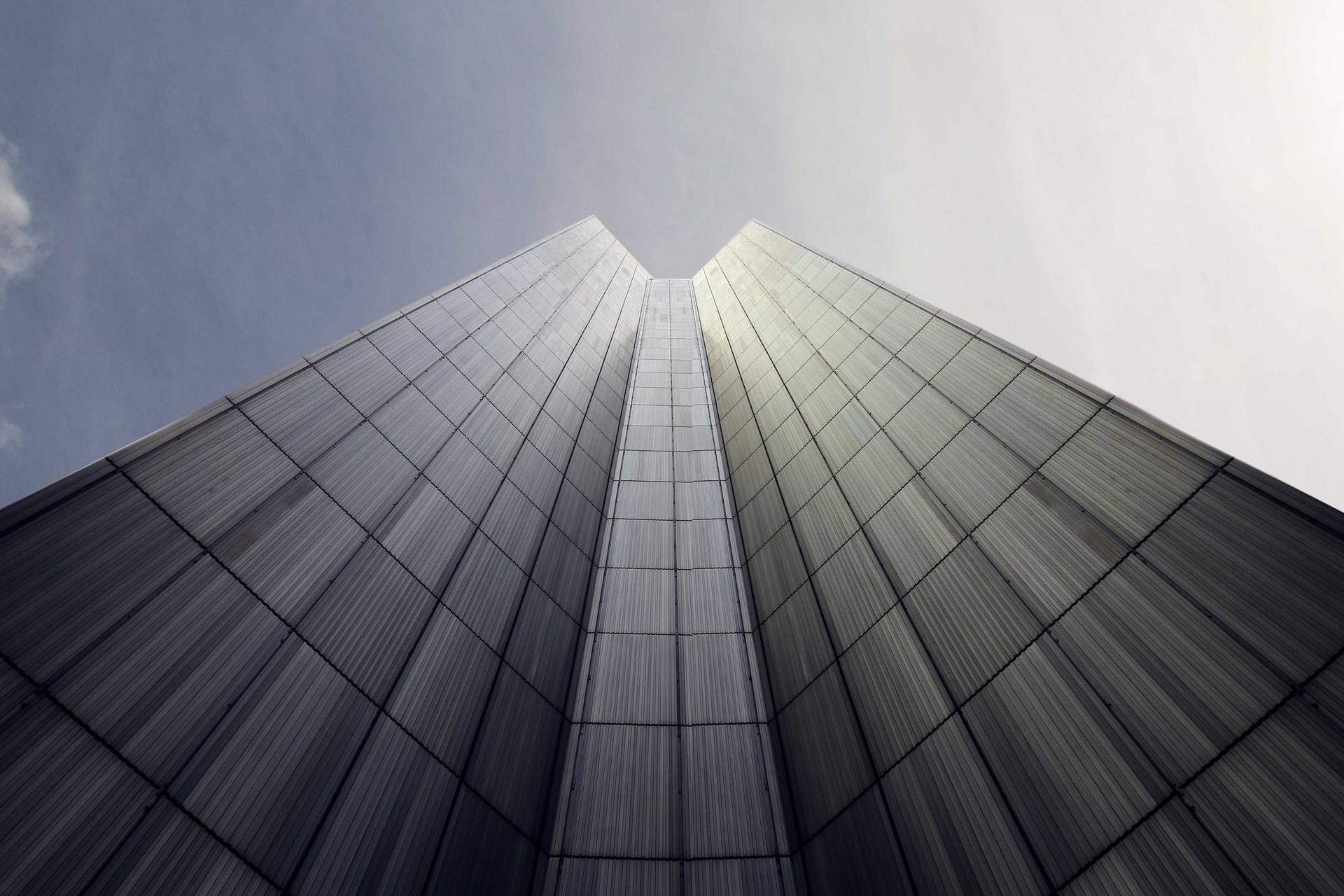 410.7 KB 410.7 KB100% Original |  254.8 KB 254.8 KB-37.95% ✅ | 194.9 KB (-52.54%) 41.2dB | 200.8 KB (-51.11%) 39.6dB | 1,050.2 KB (+156% ❌) |
| 07 | Grayscale Q90 1-Channel L · 1920x1280 | 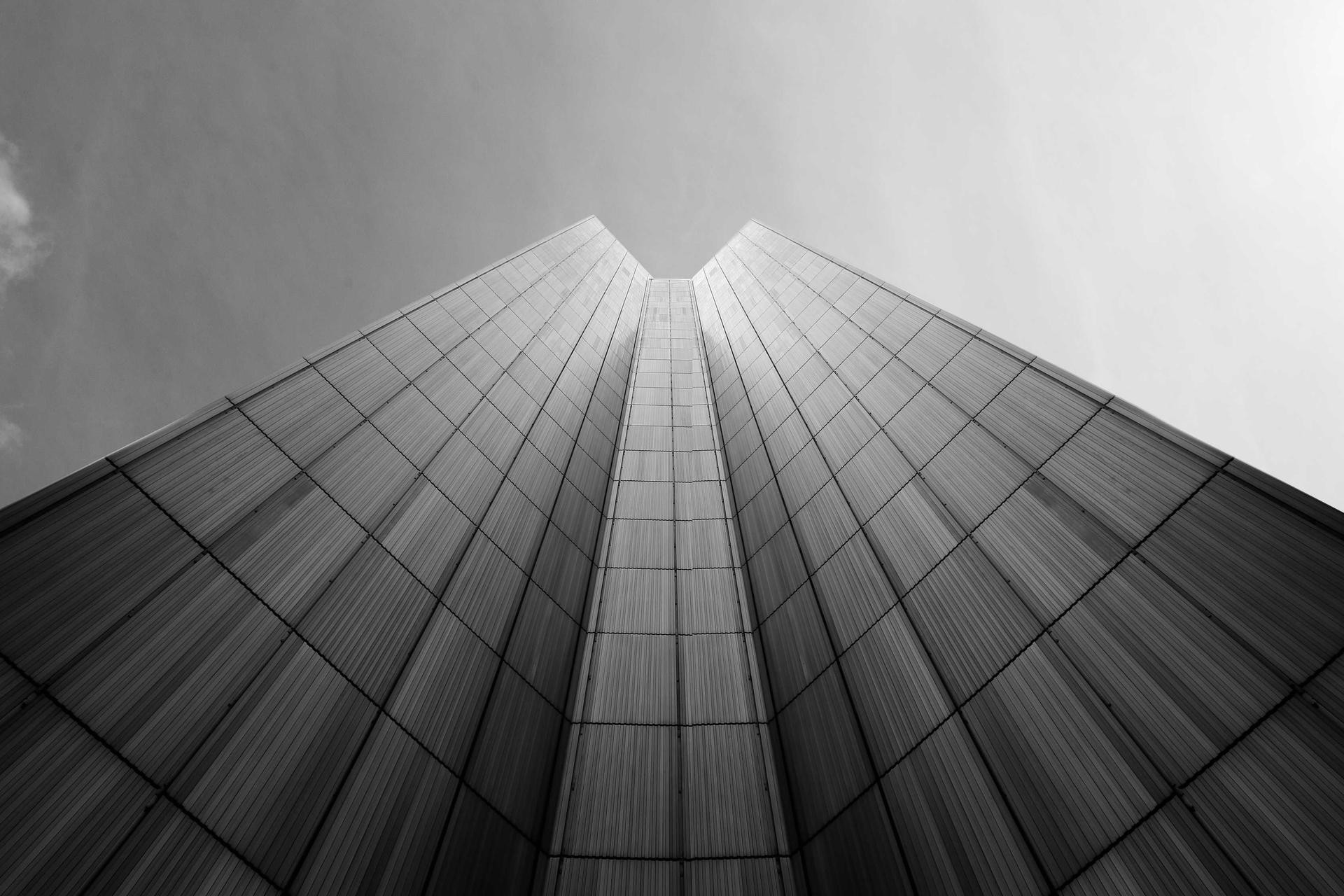 384.8 KB 384.8 KB100% Original |  244.3 KB 244.3 KB-36.51% ✅ | 182.9 KB (-52.48%) 41.4dB | 196.3 KB (-48.99%) 40.1dB | 850.3 KB (+121% ❌) |
| 08 | UI / Sharp Text Q90 Dashboard · 4:4:4 · 1920x1080 | 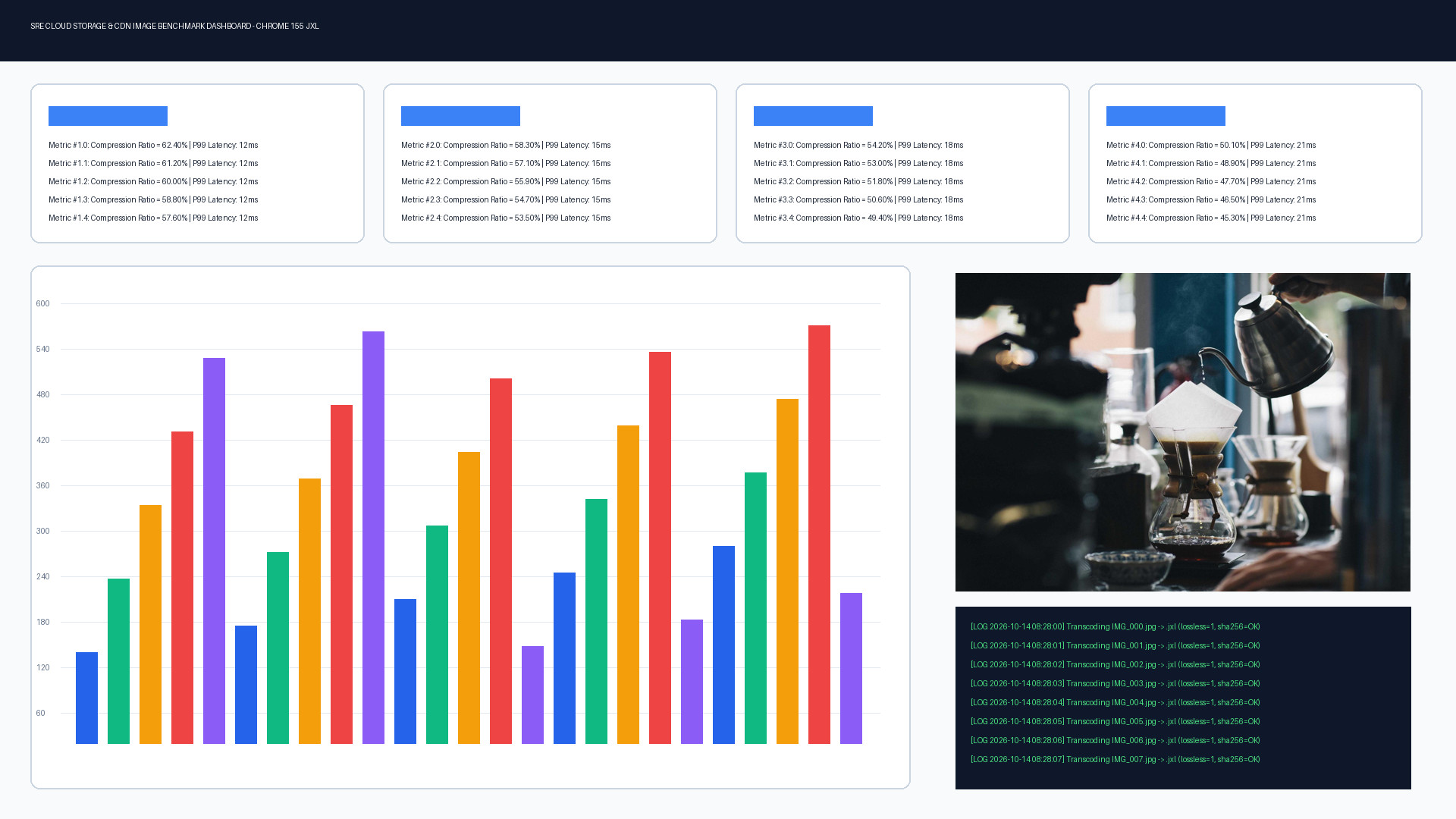 364.4 KB 364.4 KB100% Original |  194.6 KB 194.6 KB-46.60% ✅ | 131.7 KB (-63.86%) 37.7dB | 86.7 KB (-76.21%) 35.2dB | 465.8 KB (+28% ❌) |
| 09 | E-Commerce Q85 White BG · 4:2:0 · 1600x1600 | 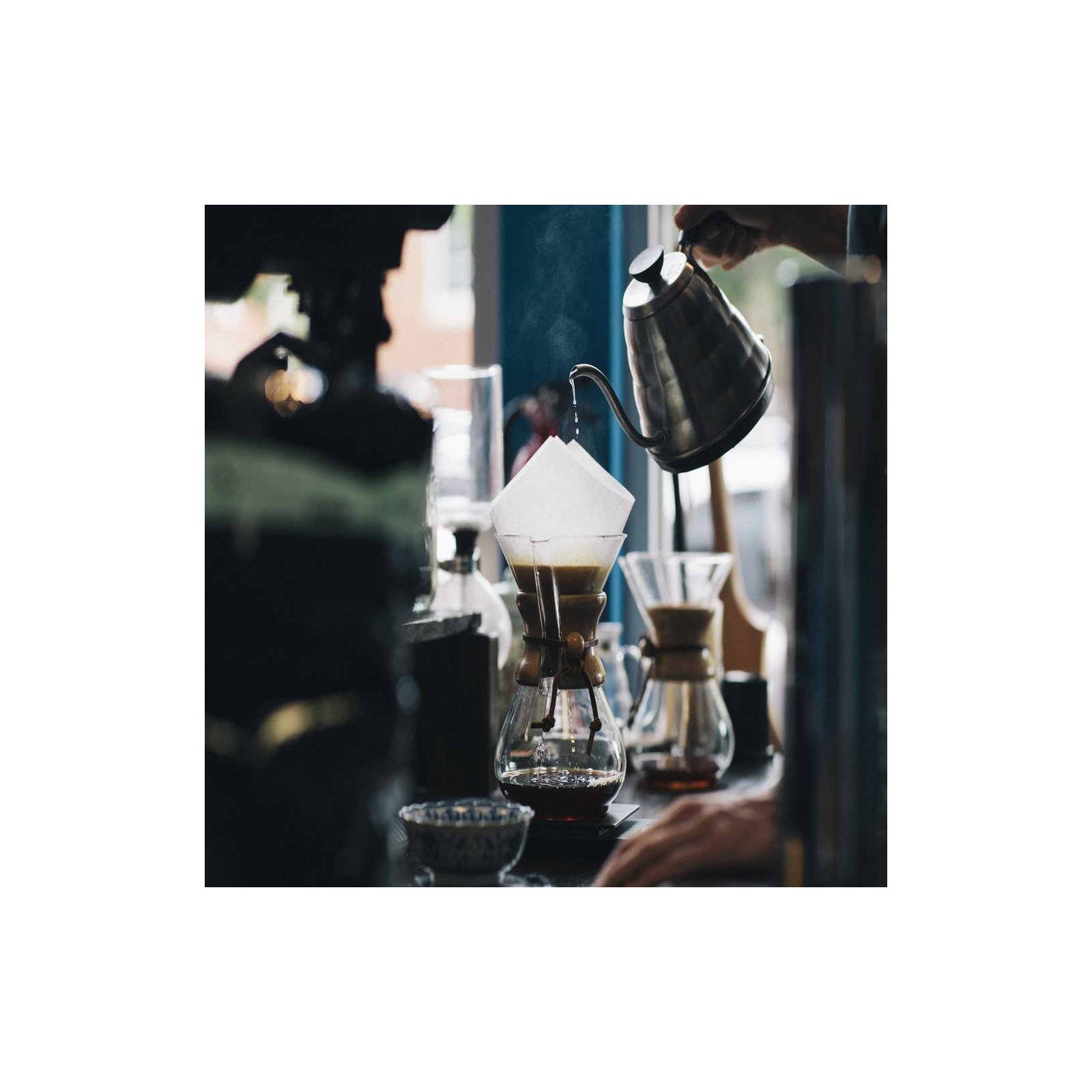 152.9 KB 152.9 KB100% Original |  105.6 KB 105.6 KB-30.92% ✅ | 69.8 KB (-54.36%) 46.7dB | 49.0 KB (-67.97%) 44.3dB | 470.9 KB (+208% ❌) |
| 10 | Heavy EXIF Q85~30KB EXIF · 1920x1280 |  430.1 KB 430.1 KB100% Original |  271.4 KB 271.4 KB-36.90% ✅ | 262.3 KB (-39.00%) 39.9dB | 279.6 KB (-34.99%) 38.8dB | 1,307.5 KB (+204% ❌) |
| 11 | Web Original Pre-optimized · 1920x1280 |  296.1 KB 296.1 KB100% Original |  252.9 KB 252.9 KB-14.60% ✅ | 232.0 KB (-21.65%) 39.9dB | 263.7 KB (-10.95%) 38.9dB | 1,236.2 KB (+317% ❌) |
| 12 | 4K UHD Photo Q90 · 4:2:0 · 3840x2160 |  1,844.0 KB 1,844.0 KB100% Original |  1,268.2 KB 1,268.2 KB-31.22% ✅ | 937.3 KB (-49.17%) 37.3dB | 1,110.9 KB (-39.76%) 37.9dB | 6,063.4 KB (+229% ❌) |
| ∑ | TOTAL / AVG All 12 Profiles | 5.62 MB 100% Baseline | 3.77 MB -32.93% ✅ | 2.98 MB (-46.93%) 🏆 | 3.33 MB (-40.84%) | 16.94 MB (+201.2%) ❌ |
How: Production Workflows & The Python pillow-jxl Pitfall
Many tutorials recommend automating JPEG XL conversion in Python using Pillow and pillow-jxl-plugin with code that looks like this:
from PIL import Image
import pillow_jxl

img = Image.open("input.jpg")

# ⚠️ TRAP 1: What many tutorials write for Lossy Q80:
img.save("output_q80.jxl", format="JXL", quality=80)

# ⚠️ TRAP 2: What happens if you resize/edit first, then save lossless=True:
resized = img.resize((1200, 800))
resized.save("output_lossless.jxl", format="JXL", lossless=True)
When we ran this in our benchmark, we uncovered two critical pitfalls that every engineer must know before deploying to production:
- Silent
quality=80Ignore (lossless_jpeg=Truedefault): Whenimgis opened directly from a.jpgfile,pillow-jxl-plugindefaults tolossless_jpeg=Trueand emits a warning:As a result,UserWarning: Using JPEG reconstruction to create lossless JXL image from JPEG. This is the default behavior for JPEG encode, if you want to disable this, please set 'lossless_jpeg'.img.save("output_q80.jxl", format="JXL", quality=80)completely ignoresquality=80and outputs a lossless DCT-transcoded file instead! - The +201.2% (3x) Pixel-Lossless Bloat Trap: Once an image is resized, cropped, or converted to RGB in memory (
img.convert("RGB")), the original JPEG DCT bitstream is gone (lossless_jpeg=False). Callinglossless=Trueat that point forces JPEG XL's Modular encoder to losslessly encode every single RGB pixel — including all the 8x8 JPEG mosquito noise and block artifacts. Across our 12 test files, this bloated total size from 5.62 MB up to 16.94 MB (+201.20%)!
Workflow A: Cloud Storage & S3 Backup (Zero-Loss, 100% Reversible)
If your goal is cutting AWS S3, Google Cloud Storage, or NAS storage costs on existing .jpg repositories while retaining the ability to restore the exact original .jpg byte-for-byte:
# Install libjxl on macOS / Linux
brew install jpeg-xl   # or apt-get install libjxl-tools

# 1. Losslessly transcode JPEG -> JXL (saves ~32.9% storage)
cjxl input.jpg backup.jxl --lossless_jpeg=1 -e 7

# 2. Reconstruct the exact original .jpg (100% SHA-256 match)
djxl backup.jxl restored.jpg
shasum -a 256 input.jpg restored.jpg
Or in Python (pillow-jxl-plugin):
from PIL import Image
import pillow_jxl

# Explicitly use lossless_jpeg=True on untouched JPEG files
with Image.open("input.jpg") as img:
    img.save("backup.jxl", format="JXL", lossless_jpeg=True, effort=7)
Workflow B: Web & CDN Frontend Delivery (Lossy Q80)
If your goal is minimizing bandwidth and improving Largest Contentful Paint (LCP) for web browsers (Chrome 155+, Safari), explicitly set lossless_jpeg=False:
# CLI Lossy Q80 encode
cjxl input.jpg web_q80.jxl -q 80 --lossless_jpeg=0 -e 7
from PIL import Image
import pillow_jxl

# Explicitly disable lossless_jpeg to trigger VarDCT lossy compression at Q80
with Image.open("input.jpg") as img:
    img.save("web_q80.jxl", format="JXL", quality=80, lossless_jpeg=False)
Key Conclusions: What the Numbers Tell Us
- Lossless JPEG Transcoding exceeds the "20% rule of thumb" (
-32.93%average):- Camera/Studio Baseline JPEGs & UI Graphics
- Pre-optimized Progressive / MozJPEG Web Assets
- 100% SHA-256 Verified
- JXL Lossy (Q80) outperforms WebP (Q80) on both size (
-46.93%vs-40.84%) and fidelity - Never run
lossless=Trueon decoded JPEG pixels:
P/S: I love this one and will apply for my blog in the near future 🎉🎁🎊.