- Published on
Amazon S3 Files — Mount S3 Buckets as Native NFS File Systems
- Authors

- Name
- Hoang Nguyen
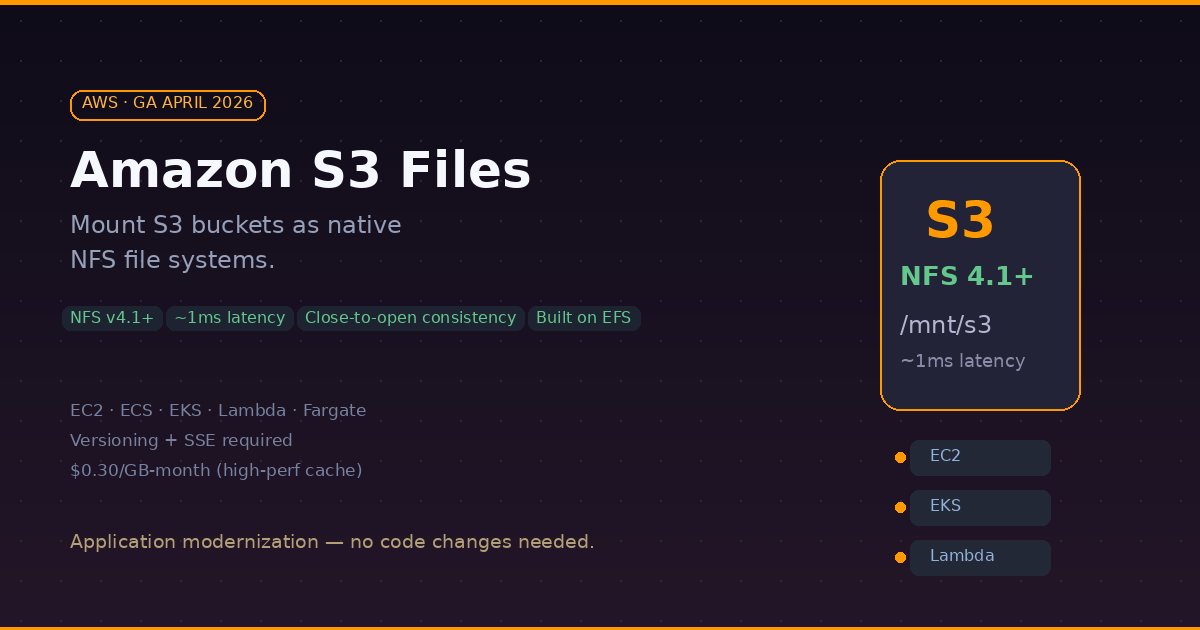
After 20 years of object storage, AWS just gave S3 a file system interface. On April 7, 2026, Amazon launched S3 Files (GA) — a feature that lets you mount any general purpose S3 bucket as a native NFS v4.1+ file system. Your applications can read, write, update, and delete files on S3 the same way they work with any local or network file system. No SDK. No API calls. Just mount and go.
What: S3 Meets POSIX
S3 Files presents S3 objects as files and directories, supporting all NFS v4.1+ operations. Under the hood, it is built on Amazon EFS infrastructure and delivers ~1ms latencies for active (hot) data.
The key architectural insight: S3 Files uses a tiered storage approach. Frequently accessed data lives on high-performance storage (the EFS cache layer), while large sequential reads are served directly from S3 to maximize throughput. You get the best of both worlds — low latency for random access and high throughput for bulk reads.
Supported Compute
You can mount S3 Files on:
- Amazon EC2 instances
- Amazon ECS containers
- Amazon EKS pods
- AWS Lambda functions
- AWS Fargate tasks
Consistency Model
S3 Files uses NFS close-to-open consistency. This means: when process A writes to a file and closes it, any other process that opens the file afterward will see the updated content. This is the standard NFS consistency guarantee and works well for most shared workloads — but it is not the same as S3's native strong read-after-write consistency.
Output of the Mount
Once mounted, your S3 bucket looks like a regular file system:
$ ls /mnt/s3files/
datasets/  models/  configs/  logs/

$ cat /mnt/s3files/configs/app.yaml
# your S3 object, served as a file

$ echo "new data" > /mnt/s3files/logs/output.txt
# writes go back to S3
Why: The Application Modernization Shortcut
This is the real story. Many legacy applications and tools assume POSIX file semantics — they expect to open(), read(), write(), and close() files. Until now, if your data lived in S3, you had three options:
- Rewrite the app to use the S3 SDK — expensive, time-consuming
- Use S3 File Gateway — adds a VM appliance, operational complexity
- Copy data to EFS or FSx — doubles storage cost, sync headaches
S3 Files eliminates all three workarounds. Your data stays in S3 (the source of truth), and applications access it through a standard file system mount. No code changes. No data duplication. No gateway to manage.
Use Cases That Make Sense
- AI/ML pipelines — training jobs that need file-based access to datasets stored in S3
- Agentic AI workflows — multiple AI agents collaborating through file-based tools on a shared workspace
- Legacy app modernization — POSIX-dependent apps accessing S3 without rewrites
- Log processing — tools like
grep,awk,tail -fdirectly on S3-stored logs - Shared config management — multiple services reading config files from a common S3 bucket
How: Setting It Up
Prerequisites
Before enabling S3 Files on a bucket, you need:
- S3 Versioning enabled on the bucket
- Server-Side Encryption (SSE) enabled
- Two IAM roles: an access role for the S3 Files service to interact with your bucket, and an EC2 instance role for mounting
Step 1: Create the File System
You can do this through the AWS Console or CLI:
# Create an S3 file system for your bucket
aws s3api create-file-system \
  --bucket my-bucket-name \
  --role-arn arn:aws:iam::123456789012:role/S3FilesAccessRole
Step 2: Create a Mount Target
# Create the mount target in your VPC
aws s3api create-mount-target \
  --file-system-id fs-0aa860d05df9afdfe \
  --subnet-id subnet-abc123 \
  --security-groups sg-xyz789
Step 3: Mount on Your Instance
The mount.s3files helper is bundled with amazon-efs-utils:
# Install efs-utils if not already installed
sudo yum install -y amazon-efs-utils

# Create mount point and mount
sudo mkdir /mnt/s3files
sudo mount -t s3files fs-0aa860d05df9afdfe:/ /mnt/s3files

# Verify
df -h /mnt/s3files
ls /mnt/s3files/
Pricing
S3 Files adds costs on top of your standard S3 storage:
| Component | Cost (us-east-1) |
|---|---|
| High-performance storage (cache) | $0.30/GB-month |
| Read throughput | $0.03/GB |
| Write throughput | $0.06/GB |
| Standard S3 storage | unchanged |
The high-performance cache cost applies only to data that is actively cached for low-latency access. Cold data is served directly from S3 at standard S3 pricing.
S3 Files vs EFS vs FSx
| Feature | S3 Files | EFS | FSx for Lustre |
|---|---|---|---|
| Source of truth | S3 bucket | EFS storage | FSx storage |
| Protocol | NFS v4.1+ | NFS v4.1 | Lustre / NFS |
| Latency | ~1ms (cached) | sub-ms | sub-ms |
| Throughput | Multi-TB/s (from S3) | GB/s range | GB/s range |
| Consistency | Close-to-open | Close-to-open | POSIX |
| Windows support | No | No | Yes (FSx for Windows) |
| Pricing model | Pay for cache + I/O | Pay for storage | Provisioned capacity |
| Best for | S3-native workloads | Shared file access | HPC / ML training |
- When to choose S3 Files: your data already lives in S3 and you need file-system access without moving it.
- When to stick with EFS: you need a pure file system with no S3 dependency.
- When to use FSx: you need provisioned IOPS, Windows/SMB support, or Lustre for HPC.
Limitations to Know
- NFS only — Linux workloads only, no SMB/Windows support
- Versioning + SSE required — you cannot enable S3 Files on buckets without both
- First-read cost — importing data into the cache costs 0.03/GB on EFS
- 32KB minimum I/O — small file-heavy workloads may see higher costs due to minimum charge per operation
- Close-to-open consistency — not suitable for workloads requiring strict POSIX or immediate consistency across clients
P/S: This is one of those AWS features that makes you wonder why it did not exist earlier. If you have been running EFS or FSx just to give your applications a file system mount over S3 data — S3 Files might let you simplify your architecture and reduce costs. Just keep an eye on the cache pricing if your working set is large.