- Published on
Defuddle — Get the Main Content of Any Page as Markdown
- Authors

- Name
- Hoang Nguyen
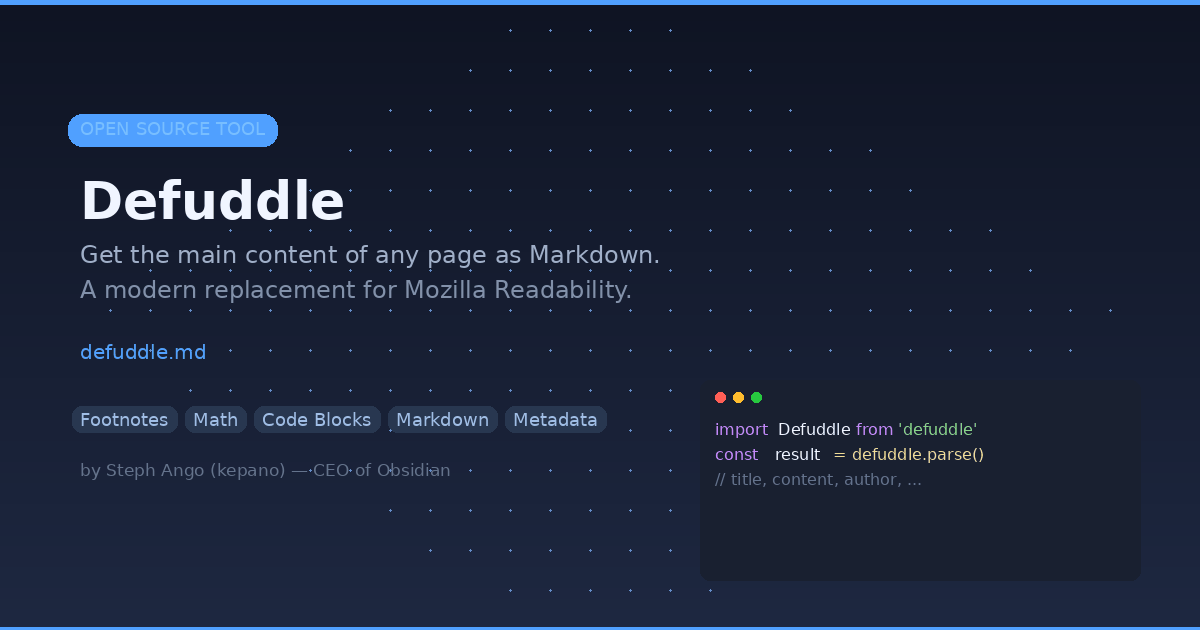
If you have ever tried to extract the main content from a web page — for an AI pipeline, a knowledge base, or just your own notes — you know the pain. Sidebars, ads, footers, cookie banners, comment sections. Every page is different. Cleaning all of that up is a mess.
Defuddle solves this. One library. Clean content. Markdown output.
What: A Smarter Content Extractor
Defuddle (verb: to remove unnecessary elements from a web page, and make it easily readable) is an open-source JavaScript library created by Steph Ango (@kepano), the CEO of Obsidian. It was originally built for the Obsidian Web Clipper and has since been released as a standalone tool.
At its core, Defuddle does three things:
- Extracts the main content from any web page by removing clutter (comments, sidebars, headers, footers, ads)
- Standardizes HTML elements like footnotes, math equations, and code blocks into a consistent structure
- Converts the cleaned HTML to Markdown (optional), making it ready for downstream tools like LLMs, note-taking apps, or static site generators
Output Properties
When you call defuddle.parse(), you get back a rich object with:
| Property | Description |
|---|---|
content | Cleaned HTML of the main content |
title | Article title |
description | Summary or meta description |
author | Author name |
published | Publication date |
site | Website name |
domain | Domain name |
favicon | Favicon URL |
image | Main image URL |
language | Language (BCP 47 format) |
wordCount | Total words in the extracted content |
parseTime | Time taken to parse (ms) |
schemaOrgData | Raw schema.org structured data |
This is significantly more metadata than what Mozilla Readability provides out of the box.
Why: The Problem with Readability
For years, Mozilla's Readability was the go-to library for extracting page content. It powers Firefox's Reader View. But it has some limitations:
- Too aggressive — it sometimes removes content that is actually part of the article
- No standardization — footnotes, math blocks, and code blocks come out inconsistently depending on the source HTML
- No Markdown output — you need a separate tool like Turndown to convert
- No metadata extraction — you get the content but not the author, date, or structured data
Defuddle was designed to address all of these. It uses a multi-pass detection system that can recover when initial attempts return no content, making it more forgiving while still maintaining accuracy. It also analyzes a page's mobile styles to identify elements that can be safely hidden or removed — a clever technique that catches things Readability misses.
How: Getting Started
Install
npm install defuddle
Browser Usage
import Defuddle from 'defuddle'

const defuddle = new Defuddle(document)
const result = defuddle.parse()

console.log(result.title)
console.log(result.content)
console.log(result.author)
Node.js Usage
import { Defuddle } from 'defuddle/node'

const result = await Defuddle(html, {
  markdown: true,
  debug: false
})

console.log(result.markdown) // clean Markdown output
CLI Usage
# Parse a URL and output Markdown
defuddle https://example.com/article --markdown

# Output as JSON with all metadata
defuddle https://example.com/article --json
The defuddle.md Trick
The coolest feature: you can prepend defuddle.md/ before any URL to instantly get the Markdown version of that page. For example:
https://defuddle.md/https://example.com/some-article
This works via curl too — perfect for quick scripts or AI pipelines.
Bundle Variants
Defuddle ships three bundles depending on your use case:
- Core (
defuddle) — lightweight, handles most use cases including math content - Full (
defuddle/full) — includes additional fallbacks for math equation parsing (MathML ↔ LaTeX) - Node (
defuddle/node) — optimized for Node.js with JSDOM, includes full capabilities
When to Use Defuddle
- AI/LLM pipelines — feed clean Markdown content to your models instead of raw HTML soup
- Web clipping — save articles to your notes app (Obsidian, Notion, etc.) with proper formatting
- Content aggregation — extract and normalize content from multiple sources
- SEO analysis — pull structured metadata from competitor pages
- Research tools — build your own read-it-later app with clean content extraction
P/S: I found Defuddle while exploring tools for my own content pipeline. The fact that it is built by the same person behind Obsidian gives me confidence it will be maintained and improved. If you are building anything that touches web content extraction, give it a try — it is genuinely better than Readability for most use cases.